
Every passenger finds their gate.
In a terminal, everyone watches the clock: check-in, baggage drop, security and gates are spread across several floors. Departing passengers look for the counter or the gate, and arriving ones for the baggage belt, the rental car or the taxi. We turn your plans into a map that knows every route in the terminal.
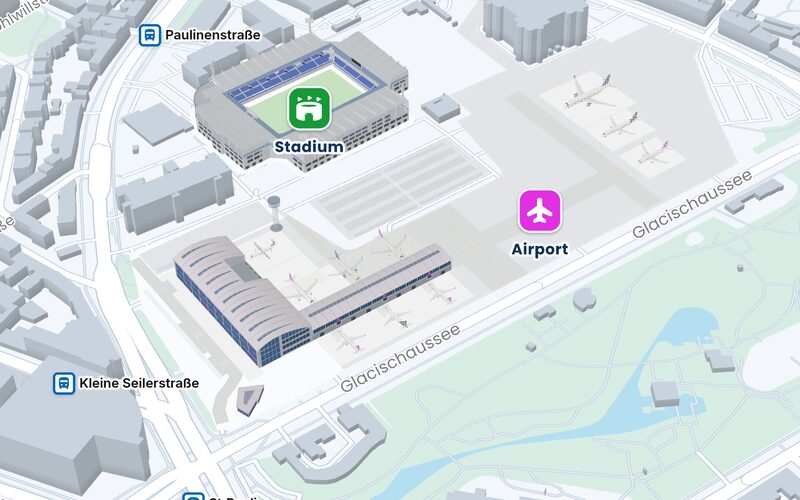
Where we help.
From the parking lot to the gate
The journey ends at the right parking space and opens in Apple Maps, Google Maps or Waze. A QR code at check-in, at the gate or at the assistance meeting point shows the way on the smartphone. The route leads via check-in and security to the gate, and for arriving passengers through baggage claim to the exit, the rental car or the taxi.
Accessible and in multiple languages
For everyone who cannot use stairs, the route runs via elevators, from the ground floor to the upper floor and back. The directions appear in multiple languages, for travelers from all over the world as well as for your team. Info terminals in the departure hall show the same map.
A Page for every place
At the meeting point for passengers with reduced mobility, the QR code opens a Page: how to request assistance and the accessible route to check-in. Add the lounge's opening hours and what the duty free shop offers. Construction work at the drop-off area reaches all passengers as news.
Fewer trips for your team
A baggage belt that has stopped, a wheelchair needed at the gate, a light in the departure hall that goes out: tasks are created where the work is, with photos, comments and a checklist. Your team plans a route through all open tasks and reads each one in its own language. It books meeting rooms and workstations in the administration on the same map.
Wheelchairs and baggage carts at a glance
With the tracking system of your choice, the map shows where wheelchairs and baggage carts are right now. If a counter moves or a gate is reassigned, you change the map yourself.
The features behind it.
- WayfindingFrom the parking lot to the door, accessible too.
- Indoor positioningOne scan shows where you are.
- Multiple languagesMap and routes in several languages.
- TerminalsSearch anonymously, continue on the smartphone.
- Pages for every placeA Page of its own for every QR code.
- TasksReports land in the right place.
- BookingsBook rooms and desks right on the map.
- Asset trackingYour equipment on the map.
More use cases.
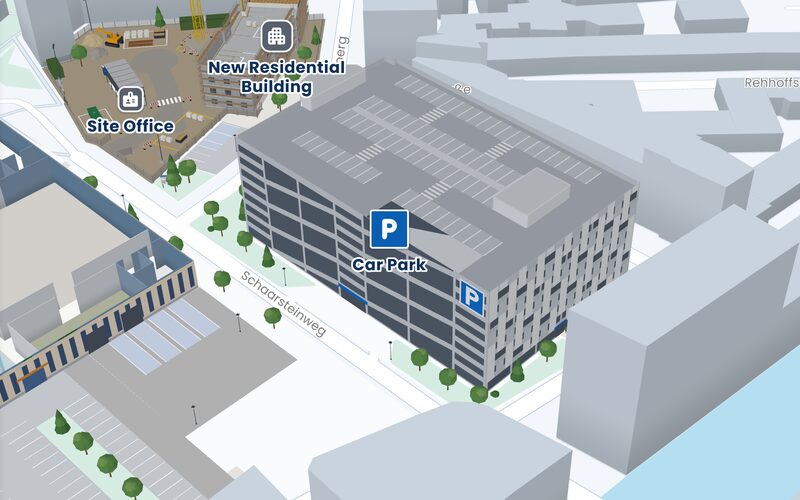 Parking garageFrom the parking space to the right exit and back to the car.
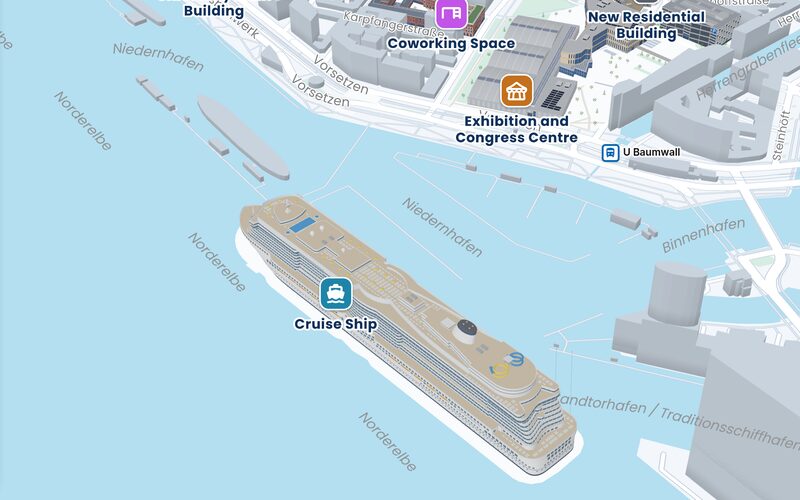 Cruise shipDeck by deck to the cabin, even on a ship.
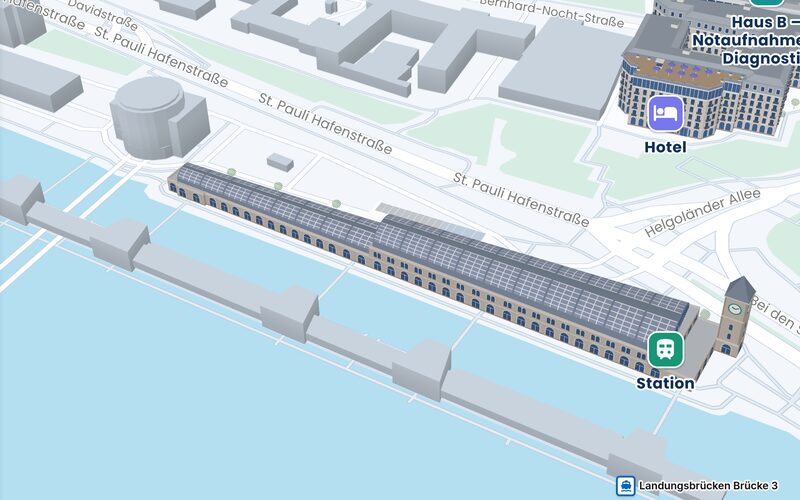 Train stationTo the platform, the ferry and the bus: platforms, the concourse and the forecourt.
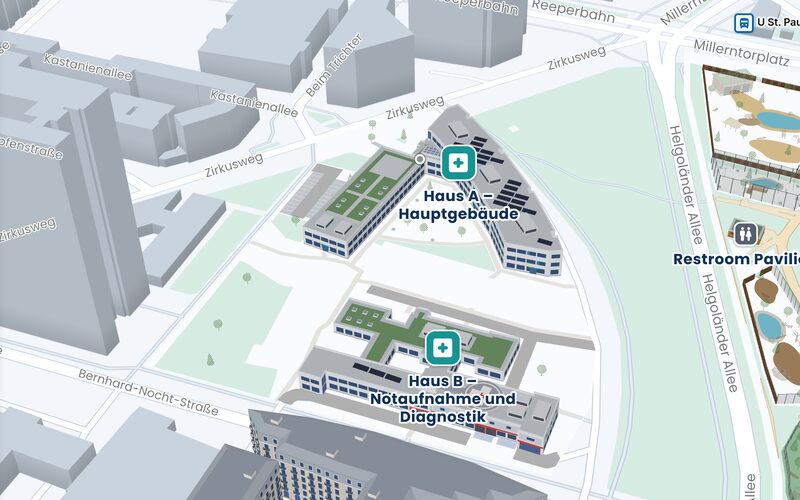 HospitalTwo buildings with an emergency department and diagnostics. From the main entrance to the right outpatient clinic.
Let's talk about your building.
Tell us where people get lost, and we will show you how they find their way. Send us a floor plan, and you will see your own building on the map.
Emailinfo@accuras.dePhone+49 9131 933 0214