
Book where you can see it.
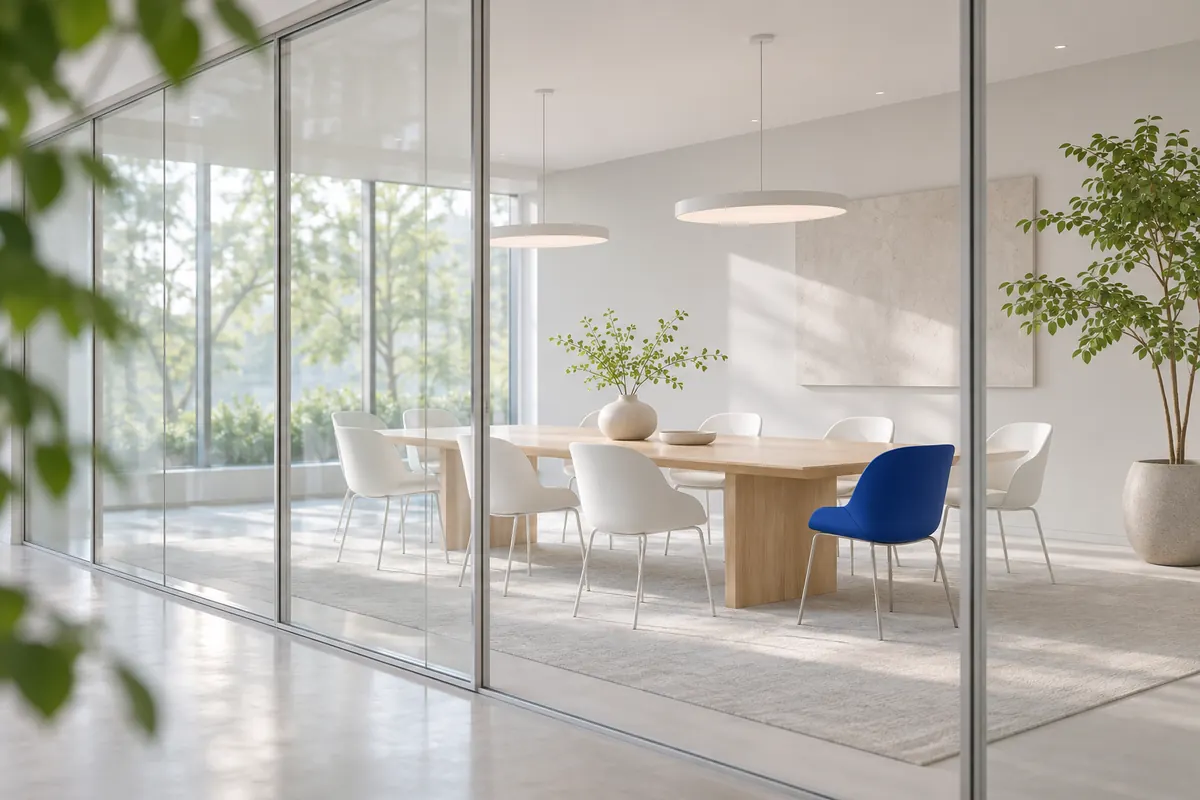
Your team books rooms and spaces where they see them: right on the map of your building. Every booking is confirmed instantly. The calendar invitation brings the route to the door along with it.
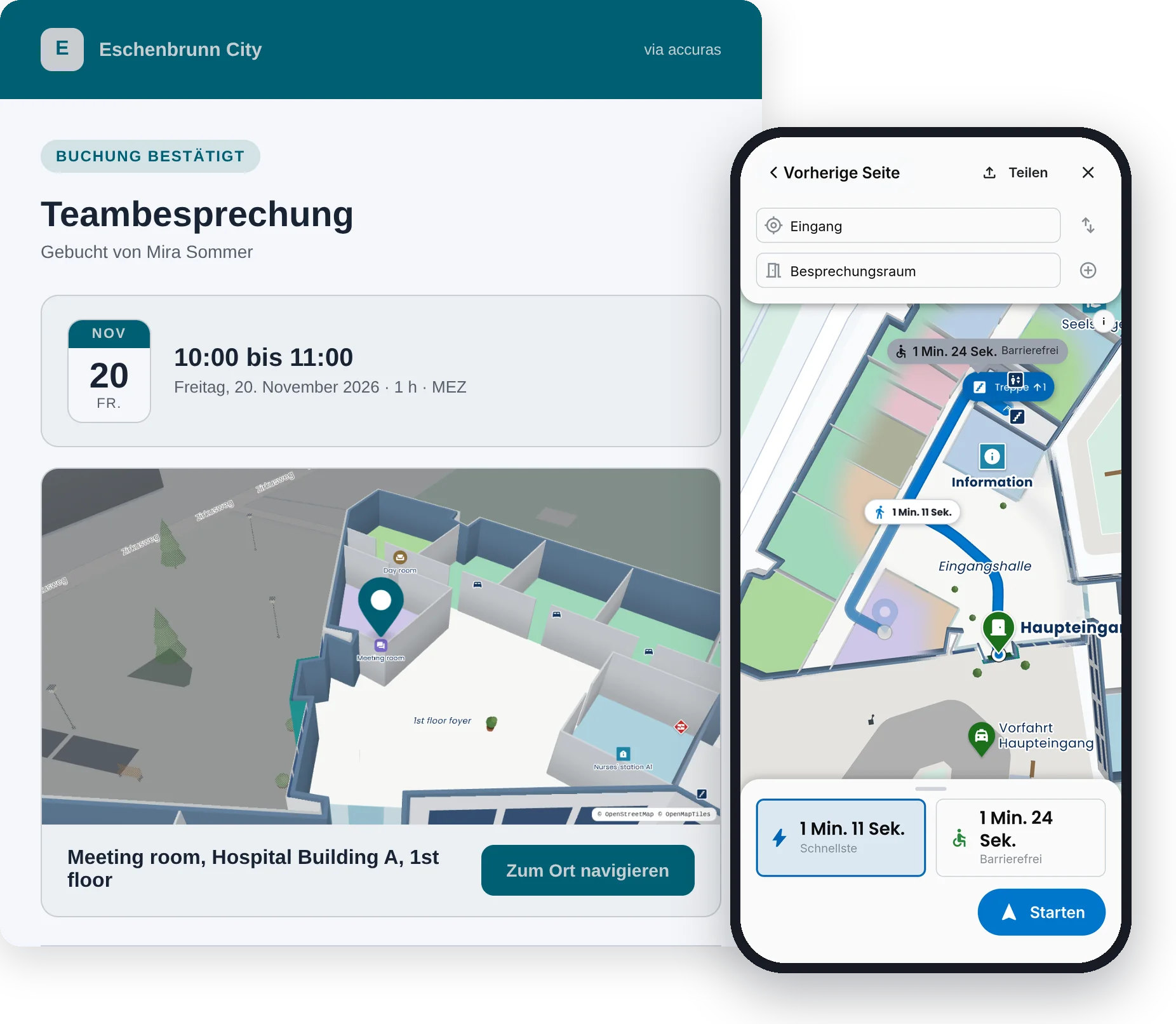
The invitation knows the way.
After every booking, the invitation arrives by email, with date and time, a map of the room and the calendar file for Outlook and any calendar. Invited colleagues receive it as well. One tap on “Navigate to the location” opens the map of your building with the route to the door, the fastest and the accessible one.
How it works.
Find it targeted or open
Open a known room, see free times and book. Or choose a time slot and see what is free, the nearest first, with the equipment you need.
Calendar invitation with route
After booking, an invitation arrives with room, building and floor, for Outlook and any calendar. A link in it leads straight to the room, and invited colleagues receive it as well.
Your rules
You decide what can be booked, at what times, for how long and by whom. Whoever books first gets the spot, and nothing is double-booked.
Cleaning as a task
A booking can create the cleaning as a task right away. Buffers before and after every appointment keep the room free for it.
Let's talk about your building.
Tell us where people get lost, and we will show you how they find their way. Send us a floor plan, and you will see your own building on the map.
Emailinfo@accuras.dePhone+49 9131 933 0214