
Every day in your hospital …
The same questions, again and again. Today your staff answers them, and every set of directions interrupts other work. That costs time and money.
- The front desk explains the way while the line grows.
- Nurses walk visitors to the ward instead of caring for patients.
- Anyone who arrives late for an exam throws off the outpatient clinic's schedule for the day.
The map answers these questions on its own: patients and visitors find their destination by themselves with your hospital's digital map. That saves your staff time, your patients detours and your hospital money.
The way is already there, where your patients are.
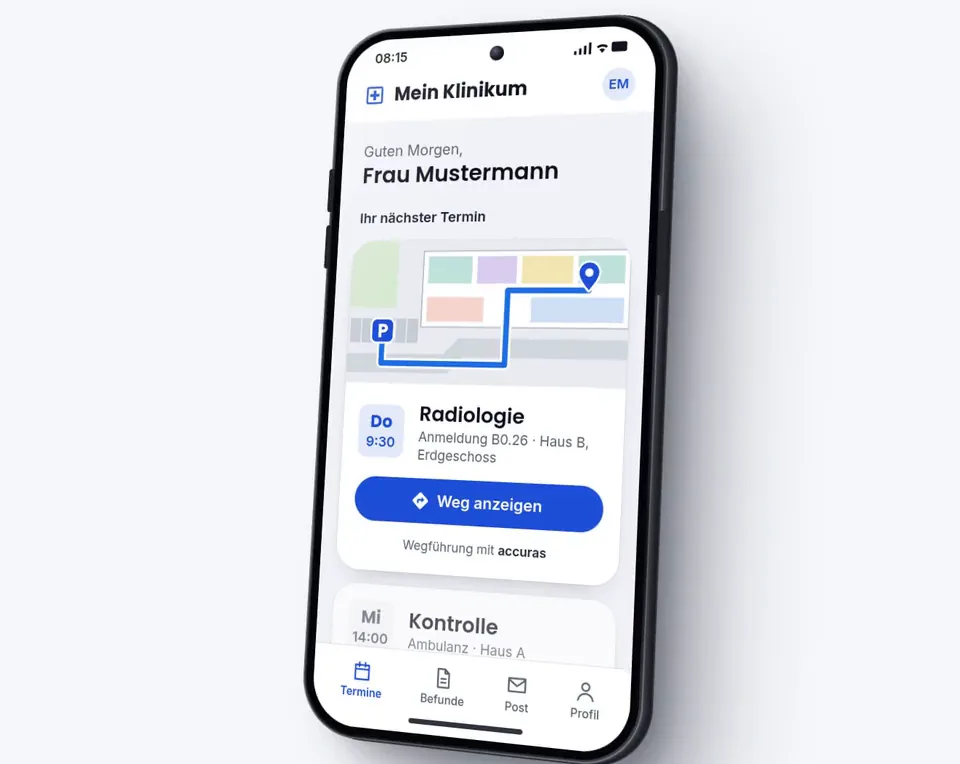
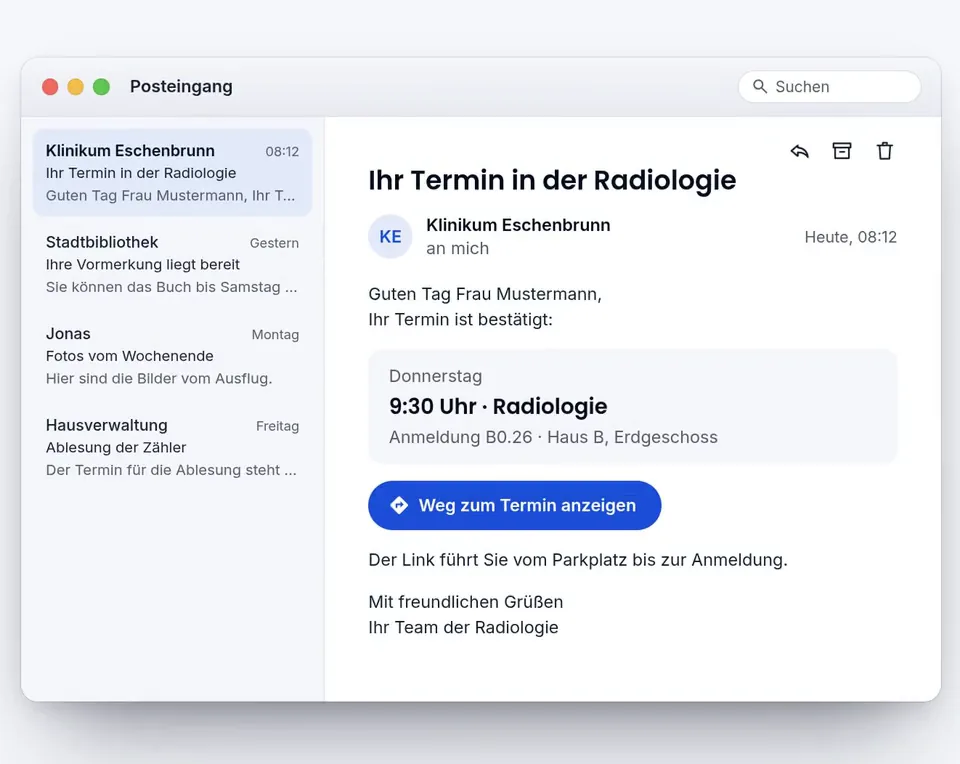
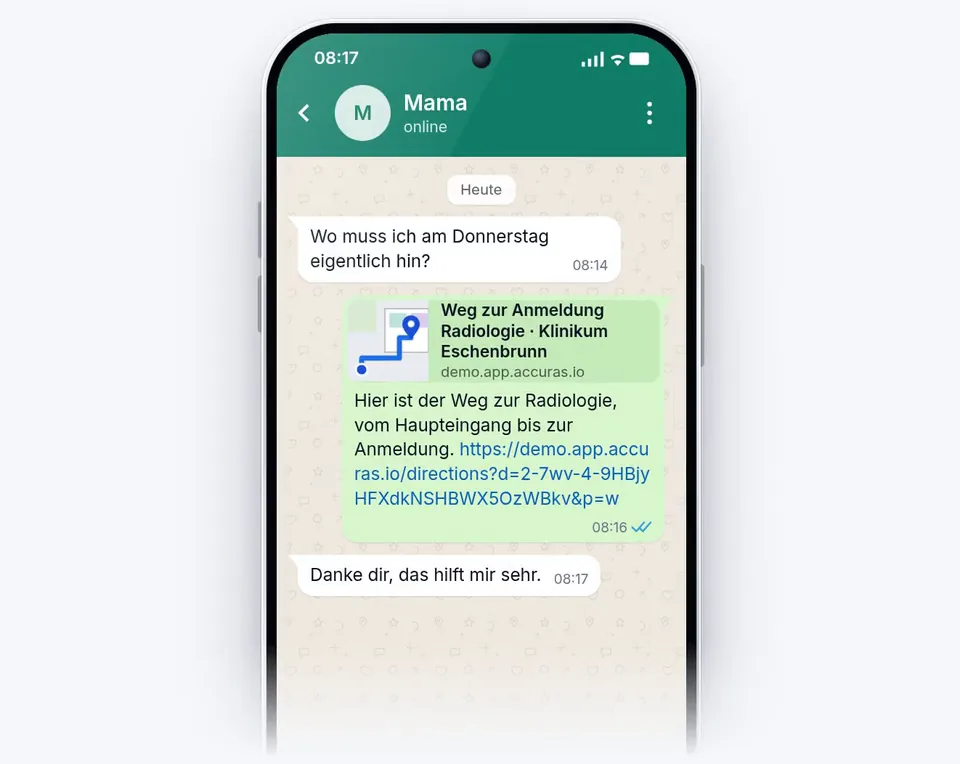
In the appointment letter, the email, the patient portal, a message or on the sign on the wall: a QR code or a link leads all the way to the right door. At the sign, the way starts exactly where you stand.
- With the appointment: a QR code in the appointment letter, a link in the email, a button in the patient portal.
- From the front desk and from person to person: the destination as a link, instead of explaining the way.
- The most important destinations of every clinic, building and department are visible right away, with no elaborate search.
- Indoor navigation across floors and buildings, accessible too, in the browser of your own phone, with no installation and no sign-in.
- In the demo: from the curb to the main entrance, with a choice of parking space, new tab
- In the demo: the way from the main entrance to the radiology check-in, new tab
- In the demo: main entrance to patient room A2.23, fastest and accessible route, new tab
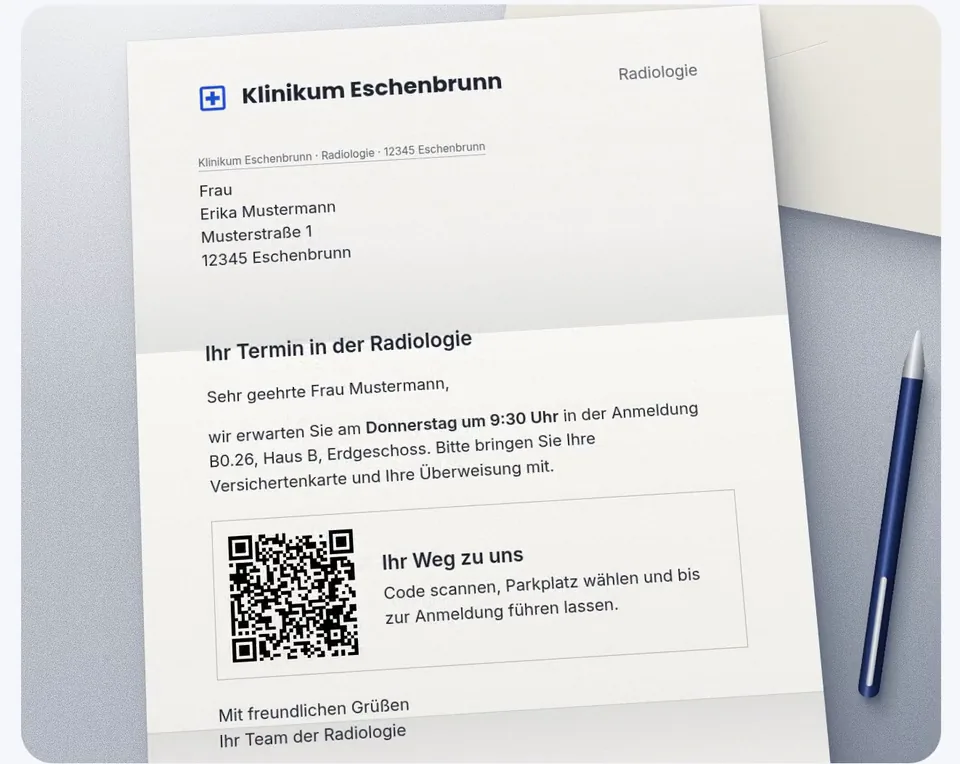
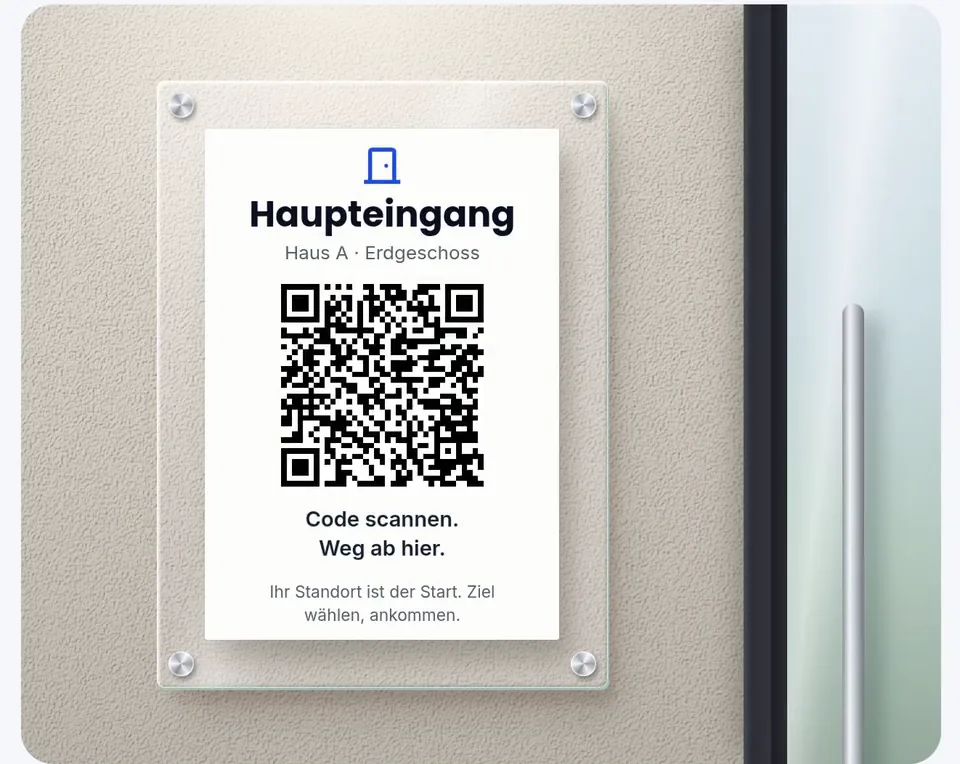
Anything can stand behind a QR code.
A Page in your hospital's design, a place, a way or an event. When something changes, you change the content, not the sign.
- You build Pages yourself: text, images, offers and buttons that lead to the destination.
- News such as a construction site reaches everyone on site.
- A code can also forward to your own website.
- Nothing gets reprinted.
- In the demo: the radiology check-in, new tab
- In the demo: the cafeteria, new tab
- In the demo: open house day with the way there, new tab
- In the demo: news about the maintenance of elevator B, new tab
Behind it stands whatever you want:
Your terminals. Our map.
We do not sell or operate terminals of our own. The map runs on the screens already in your hospital, or on those of the provider you choose: they embed it as a web page.
- Find a destination, view the way, scan the code: it continues on your own phone.
- The way starts where the terminal stands.
- No sign-in. After a minute without a touch, it starts over.
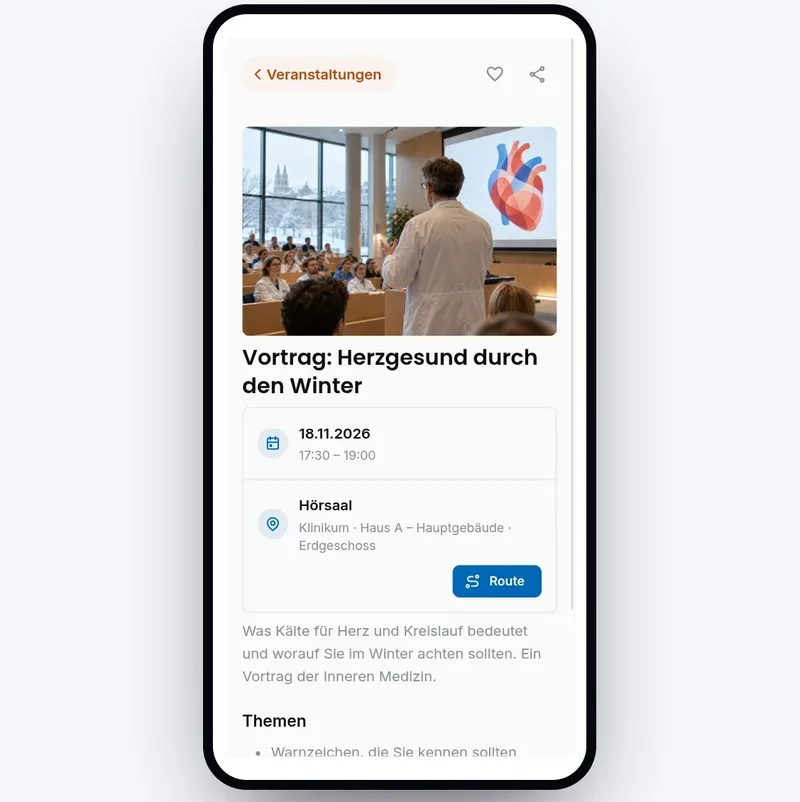
The way there belongs to the event.
Lecture, info evening, open house day: every event is on the map with its time and place. One tap on Route leads all the way to the lecture hall.
- Guests find their way without asking at the front desk.
- Your hospital enters the events itself.
- Pages show the next dates of their area on their own.
Your AI assistant knows the way.
The chatbot on your website or in your app asks the map: it finds the destination, describes the way and sends the link that leads right to the door.
- The answer comes from your map, not from a guess.
- The assistant sees only what every visitor sees.
- Through an open standard, with the assistant your hospital has or plans to get.
The same map works for your staff.
Today, tasks arrive as notes, phone calls and shouted requests. Where exactly, who takes care of it and whether it is done, often nobody knows. Visitors find their way with the map. Your team gets its work done on it: every task has its place, its owners and its status.
- Faults, cleaning and rounds in one place.
- Every team sees what needs to be done and where.
- Everyone sees what is in progress and what is done.
- Everyone reads the tasks in the language of their own account, even if they were written in German.
Report where it happens. Find the way without searching.
Anyone who notices something scans the QR code on site or opens a link: the report opens in the browser of their own phone, with no installation and no sign-in. Text and a photo are enough, and your hospital turns the report into a task.
- The report knows its place. No callback to clarify where exactly.
- Anyone who reports without signing in stays anonymous.
- Your hospital decides: create a task or discard the report.
- The map shows maintenance the way to the spot.
At every stop, what you need is ready.
A task can have several stops. The map leads from one to the next, and at each stop the hospital's instructions are ready: description, photos or PDFs and the checklist to tick off.
- Step by step, across floors and from building to building.
- Several tasks make up one way. The order can be moved or arranged by the map.
- The opened task shows travel time and distance from your own location in advance.
- Comments, photos and PDFs belong to the task, with time and author.
Find devices instead of searching for them.
The same map shows where beds, pumps and other devices are right now, through the tracking system of your choice.
- Less time spent looking for a free bed or a pump.
- On the same map as tasks and ways, for staff only.
- Bookable as an add-on, with the system your hospital has or plans to get.
You decide who sees what.
For buildings, areas, rooms and individual destinations, you set who sees them: everyone, signed-in users, individual teams or only admins.
- What someone may not see is missing for them on the map, in search and as the destination of a way.
- The map shows rooms without viewing rights as a uniform block.
- Your hospital maintains this itself in Admin mode.
- Without signing inHallway open, rooms as blocks
- On the OR teamOperating rooms, induction, recovery room
- As an adminplus OR coordination, storage, maintenance
Finding better ways.
Now it's your turn: take out your phone and try the demo yourself right away.
No sign-in and no installation: the demo hospital's map opens in your phone's browser.

More use cases.
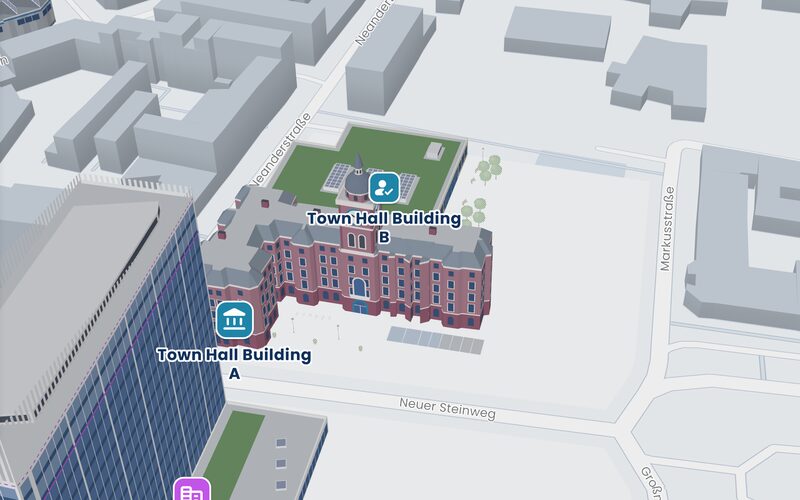 Town hallTwo buildings on the town hall square. To the right office and room.
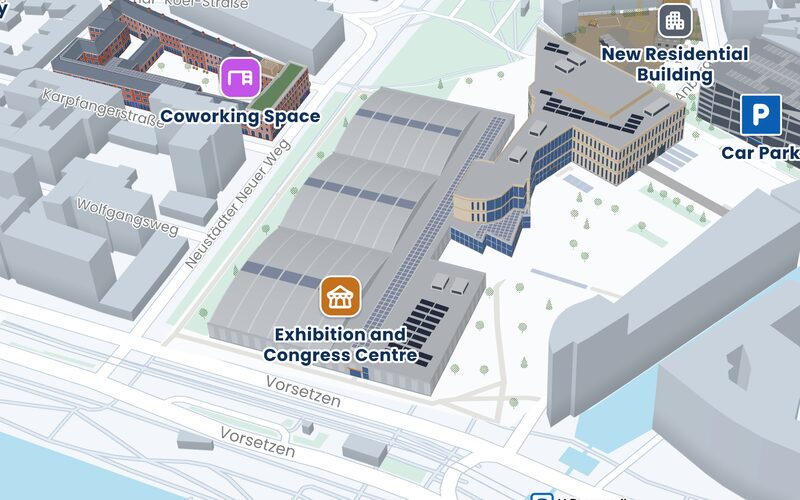 Exhibition centerExhibition halls, a congress center and the forecourt. Through every hall straight to the stand.
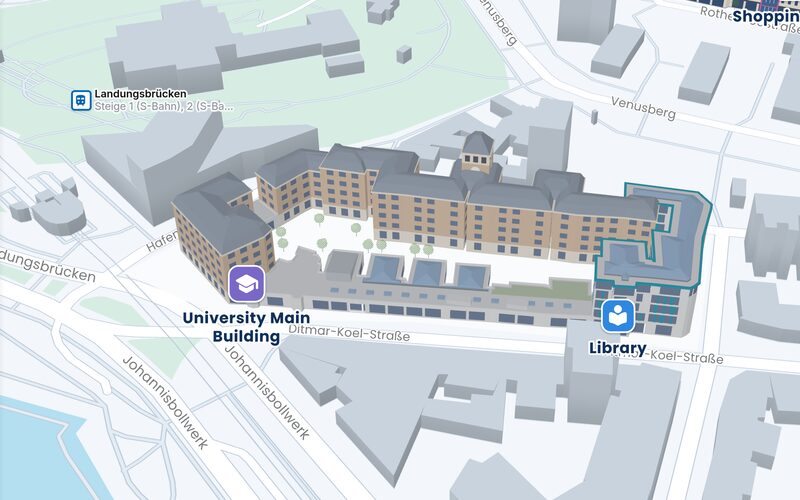 UniversityLecture halls, seminar rooms, the cafeteria and the library around the courtyard.
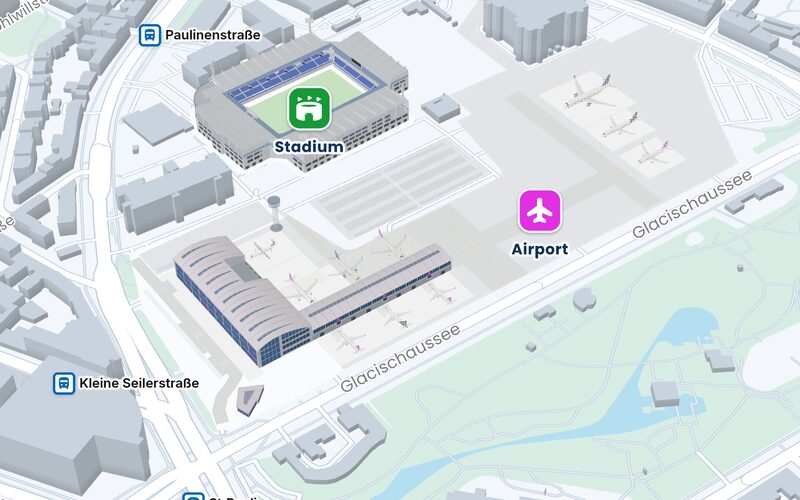 AirportFrom check-in through security to the gate.
Frequently asked questions.
Do patients have to install an app?
No. A QR code or a link opens the map in the browser of their own phone, with nothing to install and no sign-in.
How does the way reach the patient?
With the appointment: as a QR code in the appointment letter, a link in the email or a button in the patient portal. In the building, through the QR codes on the wall and from the front desk, which passes on the destination as a link.
Can we build wayfinding into our patient portal or our own app?
Yes. The simplest way is a link to the destination: it opens the map in the browser and leads to the right door. If the map itself should appear inside your patient portal or app, it can be embedded there as well. Talk to us.
Can we try it?
Yes. The demo hospital, new tab opens in the browser, with nothing to install and no sign-in. We are glad to show you advanced features such as Tasks, Bookings and live tracking in person. Talk to us about your hospital.
More answers under Frequently asked questions.
Let's talk about your building.
Tell us where people get lost, and we will show you how they find their way. Send us a floor plan, and you will see your own building on the map.
Emailinfo@accuras.dePhone+49 9131 933 0214