
by Nelles Lid
QR code navigation: The cost-effective introduction to professional indoor wayfinding
QR code-based indoor navigation enables professional routing without expensive hardware investments. Learn how to get started with a minimal budget.
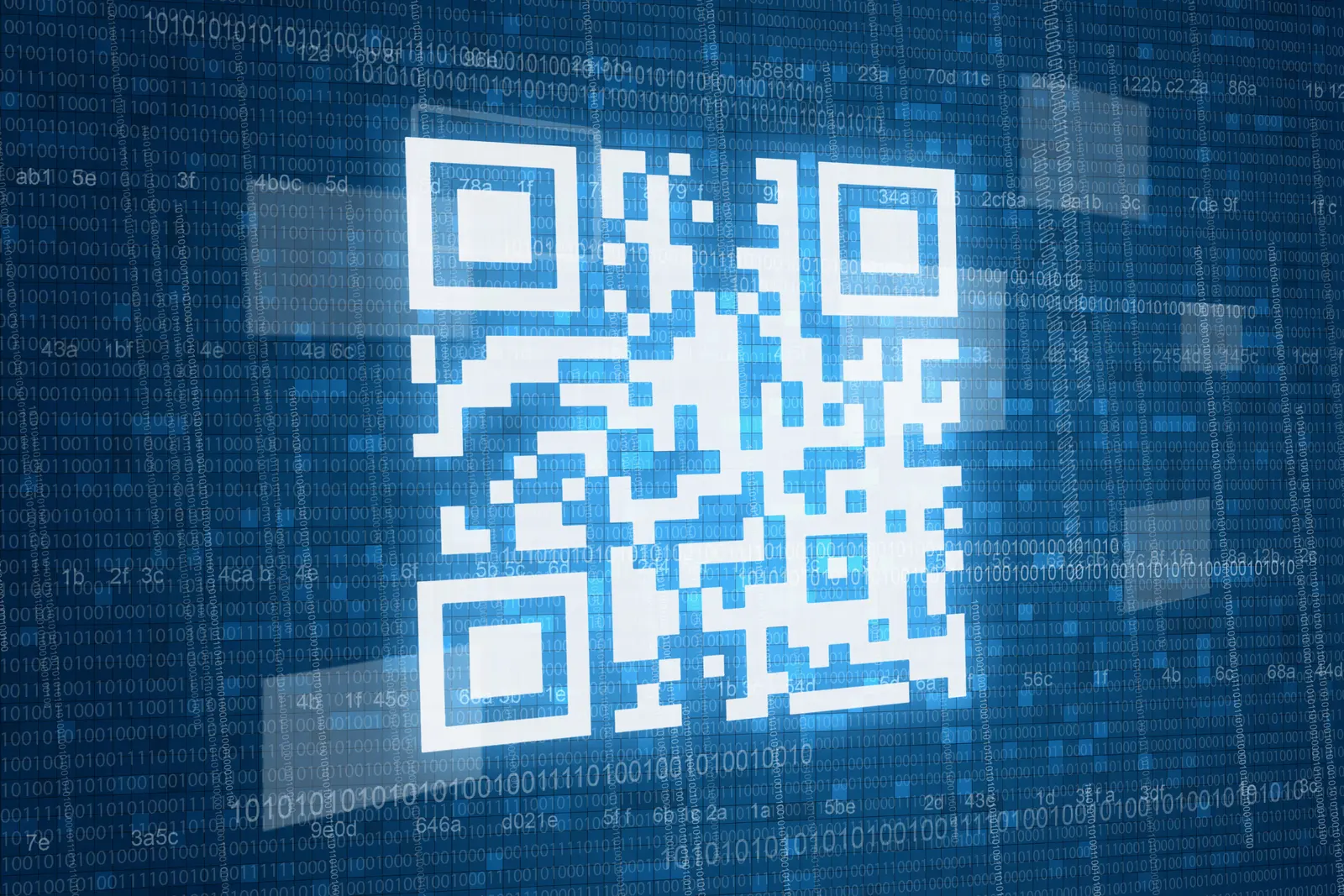
QR code navigation is the simple way to start with indoor navigation. A code on the wall, in a letter or at the front desk opens the route on a smartphone, in the browser, with nothing to install. This post explains how it works, why a QR code can do more than point to a website, and how to start small, with one building or even one entrance.
How QR code navigation works
Outdoors, a phone knows where it is from GPS. But GPS knows nothing about floors, so inside the building the QR code takes over. Every code is stored on the map of your building at its exact location, with building and floor. Scan it with the camera and you are instantly at the right spot on the map, and the route starts right there.
From that point, the route guides you step by step to the right door, across buildings and floors. After a scan, your position stays where the code hangs until you actually start walking. If there's no code nearby, you open the room you're in and tap "I am here", or you place a point on the map yourself and pick the floor. Our page on indoor positioning with QR codes has more.
Wayfinding without an app
"Please, not another app." We hear it a lot. With accuras, there isn't one. The QR code opens the map in the browser on any phone with a camera, and nothing gets installed. Visitors don't need an account and use the map anonymously.
For your building, that means nobody has to download anything ahead of time, and nobody at the entrance has to explain how it works. Scanning is the first step of the walk. The same goes for codes on paper, such as an appointment letter or an invitation, and for links in an email. At the front desk, your staff simply show the destination as a QR code on their screen instead of describing the way. The visitor scans it and sets off.
A code that shows more than the way
An accuras QR code knows more than its place. It also opens a Page for that location: opening hours, contact people, news such as construction work, or events with the route to them. You design these Pages for every place yourself, in your building's look, and printed codes can carry your logo with a title and description below.
You can change where a code leads at any time, without reprinting. When a department moves, the code stays on the wall and only its destination changes. A printed code doesn't go out of date just because something in the building moved.
The simple way to start: one building, one entrance
QR codes need no extra hardware and no wiring. That keeps the first step small. You can begin with one building or a single entrance and grow from there.
The map is built floor by floor from the floor plans you already have. Your team maintains it from then on, or we set up the building for you as a service. Good spots for the first codes are the entrances, the front desk, the elevators and the places where hallways split. Visitors who prefer a larger screen can use a terminal in the lobby: it shows the same map, and a QR code next to the route hands it over to their phone.
If you later want to see mobile equipment such as beds or carts on the map as well, a tracking system using Bluetooth or UWB can be connected. You don't need it to find a room, though. For that, the QR code is enough.
Try QR code navigation
Open the live demo, new tab on your phone and see what a route looks like in the browser. If you'd like to start with one building or one entrance, get in touch with us.
 Indoor navigation in hospitals: the patient's way to the right door
 Accessible indoor navigation: by elevator to the right door
 Hospital equipment tracking: see where your devices are
 Smart Building Management: Navigation as a basis for holistic facility management